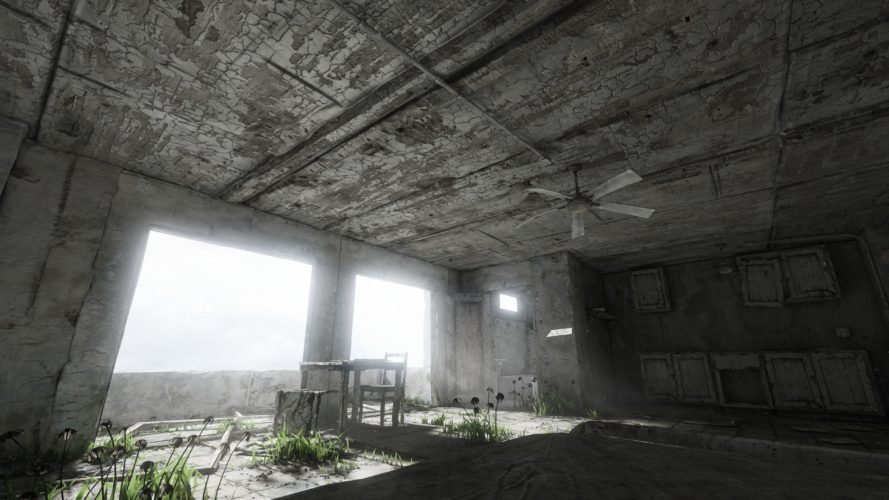
Homesick is a beautiful exploration game. Unfortunately there is no official support for higher than 1440p resolutions such as 4k. Luckily you can edit the config files to set any resolution you want:
- Go to the Application directory. Default for Steam and Windows: C:\Program Files (x86)\Steam\steamapps\common\Homesick\UDKGame\Config
- Edit UDKSystemSettings.ini
- Change the resolution as you please, for example:
ResX=3840
ResY=2160 - Save, launch the game and don’t change any settings in-game.
Enjoy! While you are at it you can also use this and the adjacent config files to make further adjustments to the game. Remember to make a backup beforehand though.
