For several years my photo editing workflow went something like this:
Take a picture, RAW+JPEG.
Plug SD card into my PC.
Import it into Lightroom Classic CC, lossless conversion to DNG.
Occasionally LR backs up its catalog.
Windows File History backs them up to my NAS.
A script backs them up to LTO-4 tapes.
I’ll browse through my catalog and flag the ones I think are good enough to edit.
I apply the LR auto adjustments and tweak them a little to see how far I get.
Now I can start cropping, editing, correcting and applying filters with the Nik collection.
The finished product is then exported to Google Drive and then shared to to social media.
If I’m not home I don’t have a proper workflow, meaning I often create redundant backups or have difficulties finding specific pictures.
This comes with a few problems:
It’s pretty darn complicated. I wish I could cut out a few layers of complexity.
I have to use proprietary software that doesn’t run well under Linux, so I can only use this workflow when I’m at home.
It costs quite a bit of money. Even with a student discount, LR Classic CC costs at minimum 12€ per month.
Lightroom performance is horrible. Lightroom CC is lacking basic features and I don’t want to upload everything to the cloud.
I use hardly any Adobe specific features. Automatic lens corrections aren’t that important, I can live without the Nik collection.
I solved some of my issues with the following workflow:
Regardless of whether I’m at home or travelling with my linux laptop, I’m now using Darktable with the “local copies feature” to avoid redundant backups.
I’m keeping the “two tier” storage system. All photos in their raw form are at some point imported through darktable into my central NAS, but all finished pictures are stored on my Google Drive. This means I can always access my most important data quickly even if it comes from outside my main workflow (e.g. edited on my phone…).
The actual editing can take place in Darktable, RawTherapee, Snapseed or Lightroom Mobile. If I’m on a computer the data will still go through Darktable and then to my NAS and also be exported to Google Drive, otherwise it will directly go to the Drive.
I avoid the cost of Adobe products. The initial migration to this new workflow was pretty quick, and now 99% of the time I can use one path for everything.
The actual editing results for me are comparable to what I could achieve with Lightroom.
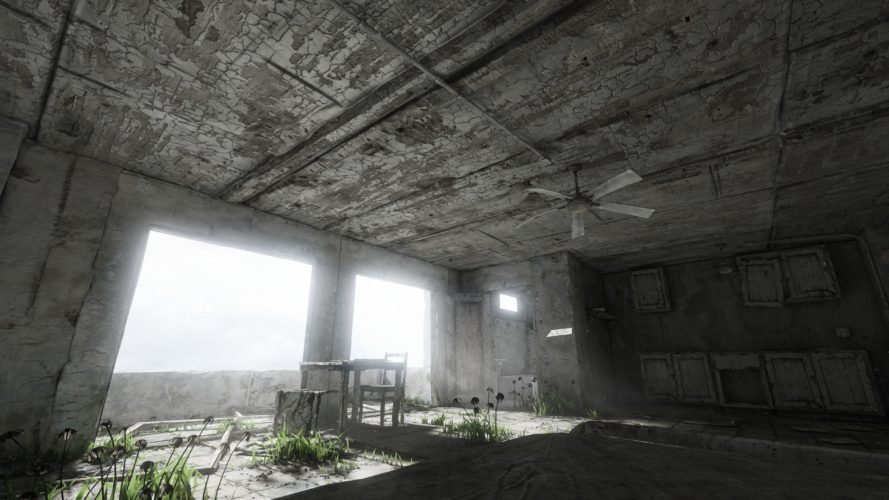
Homesick is a beautiful exploration game. Unfortunately there is no official support for higher than 1440p resolutions such as 4k. Luckily you can edit the config files to set any resolution you want:
Go to the Application directory. Default for Steam and Windows: C:\Program Files (x86)\Steam\steamapps\common\Homesick\UDKGame\Config
Edit UDKSystemSettings.ini
Change the resolution as you please, for example: ResX=3840 ResY=2160
Save, launch the game and don’t change any settings in-game.
Enjoy! While you are at it you can also use this and the adjacent config files to make further adjustments to the game. Remember to make a backup beforehand though.
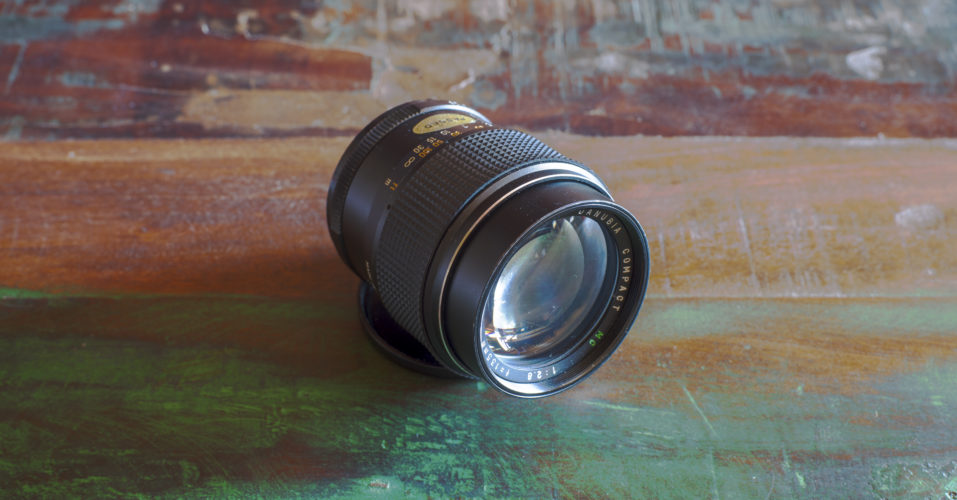
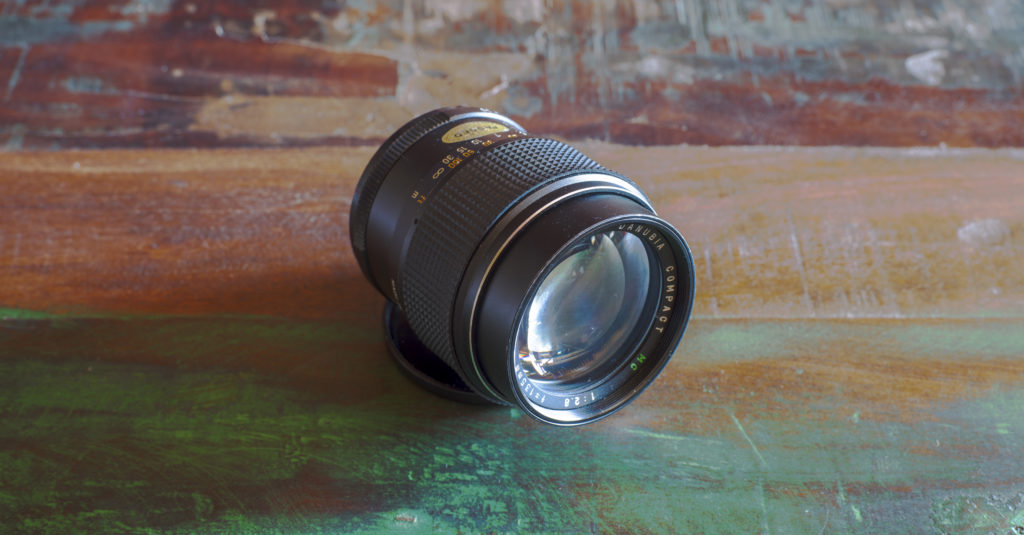
Today I’ll take a look at the cheapest 135mm lens I could find: The Auto Danubia Compact 135mm f/2.8. Let’s see if it is worth considering if you are on a budget.
Build
All metal lens, the front cap is metal as well. The rear cap is not original.In person, the glass has a visible but seemingly cheap coating.
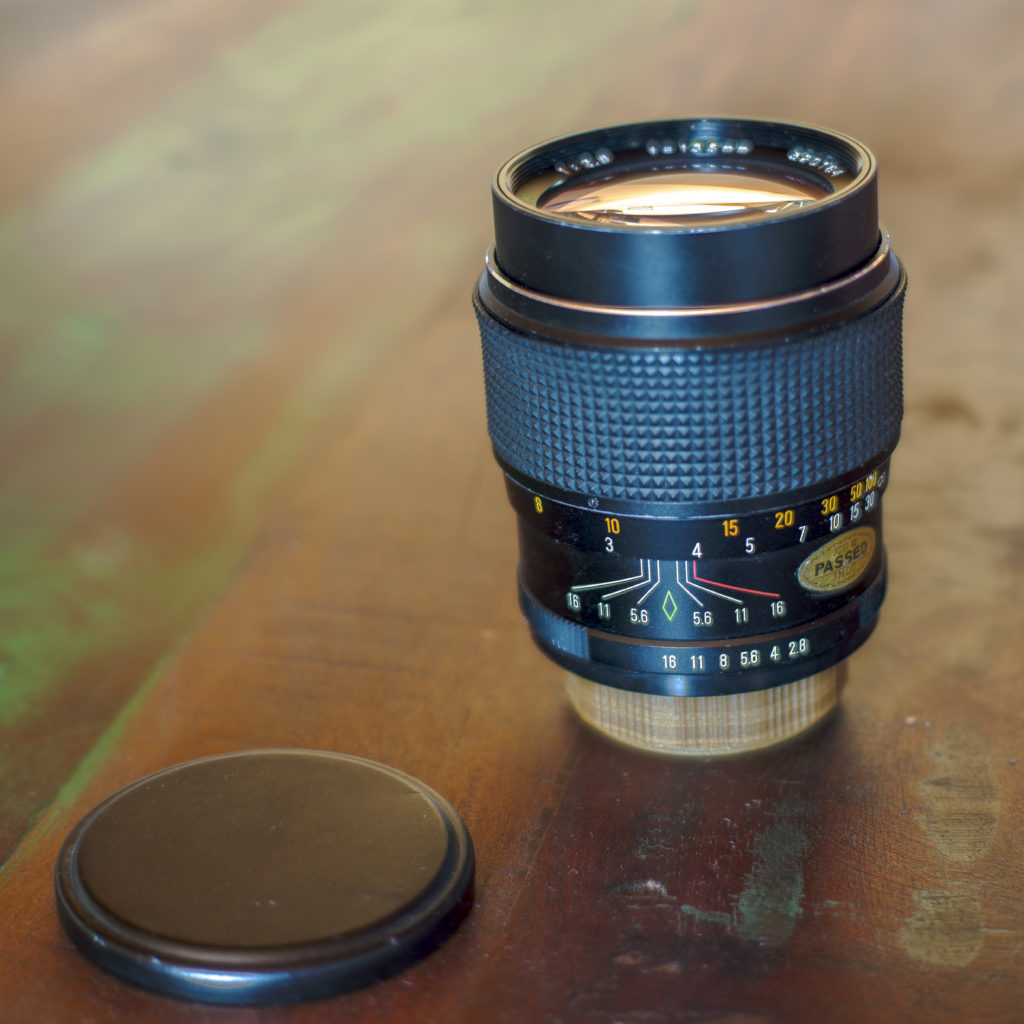
The lens is made of all metal and glass, except for the rubber focus ring appears to be disconnected from the body. While it fits snugly around the barrel, it can simply be taken off. There is an imprint, that claims that the lens is made in Japan. It is a rather short lens for its focal length. It feels moderate in weight for its size. The glass has a green-shimmering coating.
My copy came with a metal front cap. It didn’t come with a rear cap, so I 3D-printed one. It has an integrated lens hood which loosely slides in and out when the front cap is removed, but it can be fixed in its extended position by turning it a little.
The focus ring is smooth and the aperture ring is clicky. Both feel reasonably well.
My lens has a sticker claiming it was made in 1982. It comes with an M42 screw-mount which you can adapt to most modern systems, as long as you don’t mind fully manual controls.
Image quality
Overall image quality is rather poor, unless you stop down a lot. In this gallery I gradually stop down. Trust me, I focused correctly. This is really it:
f/16 is a little softer due to diffraction.f/11 is sharp.f/8 is better.f/5.6 still blurry. f/4 is still very bad.f/2.8 looks like there’s butter on the lens
All Photos taken with my Sony A7R II.
The sweet spot at a distance for this lens is at an impressive f/11.
You CAN get fairly sharp pictures wide open, but only at the closest focusing distance (which by the way is at a fairly long 1.5m):
This lens is capable of sharp “close ups”.Another close up.Contrast is below average.
At longer distances sharpness appears to drop at all apertures:
Notice the loss of sharpness in the distance
The quality of the out of focus areas is smooth, probably because the entire lens is blurry:
This is the full extent of this lens’s macro capabilities, but the bokeh is pleasing.
Chromatic aberrations are surprisingly low. Maybe they are hidden by the blur the lens, as well? The lens is very prone to flaring, but the integrated hood is quite deep and thus prevents it typically.
Verdict
This Auto Danubia Compact 135mm f/2.8 is the cheapest option for a 135mm f/2.8 lens I could find at the time. You can easily get it for under 10€. In fact, I’m selling mine right now.
Still you probably shouldn’t buy it. In my opinion, it’s unusable at anything faster than f/5.6, and it’s good at f/8 exclusively. If you are on a seriously tight budget and don’t mind stopping down this much, it might be an option. Otherwise I recommend saving up just a little more and get the Prakticar 135 f/2.8, which is much better at wider apertures.
If you are shooting analog and only look at “normal size” prints, get this, because you probably won’t notice the softness in most situations.
With the release of the new Raspberry Pi 3 Model B+ and me still looking to build a NAS (Network attached storage or home server), this ultra budget build was something I came up with:
You can technically omit the case, an old phone charger with enough power should suffice as the power supply. A few more cents could be saved by going for an even smaller SD card.
While at the time of this writing, these 3TB Intenso HDDs offer the best bang for your buck, you don’t have to get four if you don’t need 12TB. Currently picking anything less than 3TB makes little sense, unless you have to save every last bit of money: The Toshiba DT01ACA 1TB HDD for 35€ each is the best 1TB option.
You should expect the USB bus to be the limiting factor here in terms of performance. While the Pi only supports USB 2.0, you might want to consider getting USB 3.0 cases instead, so you can load the initial data directly from your PC faster. The LogiLink UA0107 costs about 15€ and should be faster than the Icy Dock.
Definitely pick the new Pi 3B+. Because its Ethernet connection doesn’t use USB anymore, it should be much faster than previous models for this application.
Since these HDDs are not meant for NAS operation, you should probably set up a RAID 5 or 1 just to be safe.
Last night I finally got to watch the new Star Wars movie, and I must say that it blew me away. Though like all Star Wars movies it had numerous flaws, this is still easily my favorite. It was a feast for my eyes and ears, and although there were pacing issues, the way it constantly surprised me with its unexpected twists kept me was more than welcome. There was however one serious plot hole that has sparked a major discussion on Reddit:
Why didn’t anyone think of weaponizing hyperdrives before?
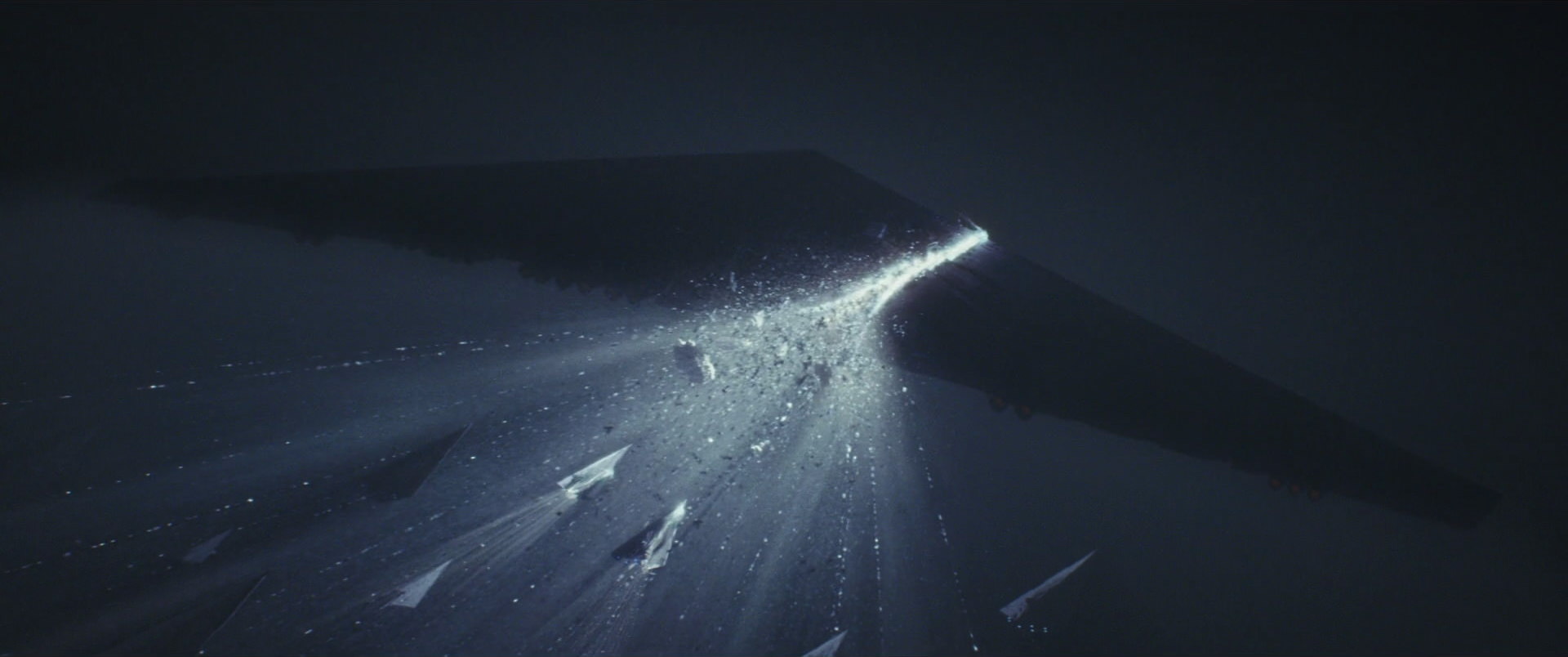
In this movie, in a last-ditch effort to save the rebel fleet, we see a rebel commander turning her large cruiser towards the first order fleet.
Firing up the light-speed hyperdrive she then destroys most of the huge enemy armada with ease. The problem is, if that was ever a possibility, why aren’t we seeing this tactic used all the time? Sure, perhaps this involving suicide might not be extremely efficient. But why would remote controlled torpedoes or asteroids with hyperdrives not be a viable weapon? Why would the empire ever want to build a huge, expensive and vulnerable Death Star, if you could just shoot a small moon from an infinite distance away into any planet to destroy it? Light speed engines seem to be common place and comparably cheap. Such an attack would be unavoidable and highly destructive.
Too obvious
I have no answer for this, and neither appear the more hardcore Star Wars fans on Reddit to. The problem with this Last Jedi plot hole in particular is that it’s both massive and obvious. I’m surprised that this wasn’t addressed during the production process. This is the first time that any serious movie has broken my suspension of disbelief to such a degree with a plot oversight. But maybe it is indeed as stated by the OP:
…meanwhile we didn’t figure out we could put wheels on a suitcase until like the 80’s.
If you are one of the few readers who come visit from time to time, you may have noticed some changes. I decided that it was time for a fresh start and so I completely cleaned out the old blog, updated the backend, added SSL encryption and a new theme.
RIP Capture theme
From now on, instead of just posting photos, I want to do more writing about things I find interesting – while also posting photos, of course. If you hate text, you can just follow me on Instagram instead. I deleted all the old posts, though I’ll reupload some of my favorites over time. You can still see them over at our Facebook page. You should also totally check out my dad’s own site if you want to see some amazing portrait work.